Do Your Job in Half the Time
The video course

How to Do Your Job in Half the Time

There's almost always a faster way, and each short lesson shows you one. Small savings stack: 10 minutes a day is about 40 hours a year, on the way to half the time. And the hours you win back are yours.

Limited-time launch offer
Regular price US$197 Launch price US$97

One payment, lifetime access. 30-day refund, no questions asked.

Time-savers you can use todayEach lesson under 5 minutesA 60-second task to put it to work

Why does a full day of hard work feel like nothing got done?

Your time goes to email, messages and meetings before you've touched the real work. Keeping up means starting early, staying late and checking in on the weekend. And now AI is doing parts of the job faster than you can.

None of that is a willpower problem. It's a skills problem. Nobody teaches you how to run a meeting that ends early, get through an inbox in one pass, or say no without damaging a relationship. You pick it up as you go, slowly, if at all.

What about AI?

AI makes these skills worth more, not less

Why learn this when AI can do it? Because AI is only as good as the person directing it. Someone still has to know what matters today, how to brief it, what's worth automating, and whether what comes back is any good.

That's what this course builds. Get the fundamentals right and AI goes faster and further: the lessons show it taking on parts of the work, like sorting your inbox, drafting, turning meeting notes into tasks and summarizing, on top of them.

The tools change every few months. Knowing where to point them doesn't.

  • Knowing what mattersAI will happily do the 50 things that barely matter. You pick the work that moves the needle.
  • A clear briefGoal, context and an example of good work, so the first answer is usable.
  • What to automateThe repeat work that runs the same way every time, not the judgment calls.
  • Judging the outputChecking what comes back before it goes out with your name on it.
The idea behind the course

There's almost always a faster way. Once you've seen it, why wouldn't you use it?

Most of us still do our jobs the way we first learned them. Typing the same email address by hand for the thousandth time. Sitting through the hour-long meeting where someone walks everyone through a report, when it could have been emailed with a note to read it first. Filing every email into folders.

Then someone shows you the faster way, and you think: "I didn't know you could do that." This course is built to give you that moment, again and again, across the whole workday. Then it has you use the new way straight away, so it sticks.

  1. Before: Typing the same email address by hand, letter by letter.

    After: Type “j@” and the whole address appears.

    From the keyboard lessons

  2. Before: An hour-long meeting to walk everyone through a report.

    After: Email it first and ask people to flag questions. The meeting gets shorter, or isn't needed.

    From the meetings lessons

  3. Before: Filing every email into the right folder.

    After: Archive it in one keystroke. Search finds it in seconds.

    From the email lessons

Small moves add up: 10 minutes a day is about 40 hours a year

Most productivity advice stops at the big ideas. They matter, and the essential ones are in here. But day to day, it's the small, repeatable actions that make the difference.

Here's the math. Something that saves you 10 minutes a working day gives you back about 40 hours a year (10 minutes x 5 days x 48 weeks). That's a full working week, from 10 minutes. Find another 10 minutes next week, and another the week after. That's how half the time happens: one skill at a time.

Run your own numbers

Quick estimate: your yearly pay divided by 1,920 working hours.

About 40 hours a yearworth about US$2,000 a year

Based on 5 working days x 48 weeks.

How the savings stack

Keep adding time-savers, and they stack up to half your day

Each lesson is aimed at saving you real minutes today. Keep using the new way until it's a habit, and that saving stays with you. Then add the next one.

How fast you add them is up to you. The lessons are short enough for one a day, or three if you're keen. The pacing is there so each saving becomes a habit before you stack the next, because the key is keeping them. Some weeks you'll save more.

There are 110 short lessons, and every module saves time in its own way. Some lessons pack in lots of small savings; others change how you think about your work, which saves time too.

That's how you get to doing your job in half the time. And the time you save is yours.

Your pace

At this pace you'd be saving 2 hours a day after 12 weeks, and 4 hours a day (half of an 8-hour day) after 24 weeks.

Saved each working day

    Your pace and your numbers; the arithmetic is the same. Dashed line: half of an 8-hour day.

    What will you do with it?

    • More of your best work, or better work
    • Put your hand up for the projects above and beyond your role
    • Learn something new, or upskill
    • Hobbies
    • Family and personal time
    How the course works

    Watch about 4 minutes. Do 60 seconds. Pick one tool a day.

    1. 4 min

      Watch a short lesson

      One skill per lesson, animated and shown on screen. Every lesson is under 5 minutes; most run 3 to 4.

    2. 60 sec

      Do the 60-second task

      Every lesson except the finale ends with a quick action you do on the spot, so you use the skill before you move on. The workbook collects them all.

    3. 1 a day

      Use one technique a day

      It's a toolkit, not a system to rebuild your life around. Reach for one tool a day; the ones you need most become habits.

    What you'll be able to do

    The everyday job skills the big-idea courses skip

    • Put a dollar value on your time, so you stop spending an hour to save five minutes.
    • Spend your day on the work that actually moves the needle, not the 50 things that barely matter, with a daily priority ritual you'll keep.
    • Protect uninterrupted time for real work, even when everyone else wants your calendar.
    • Run meetings that end early, or skip the ones that shouldn't exist.
    • Get through your inbox in batches, with one decision per email, and stop email from running your day.
    • Delegate properly, even if you don't manage anyone: sideways, upward and to AI.
    • Say no without burning a relationship, with words ready for your boss, a peer or a client.
    • Go from computer literate to computer master: typing without looking, shortcuts, letting your computer type what you repeat, arranging windows and finding any file fast.
    • Automate the repeat work, and point AI at the right jobs: triaging email, drafting, turning meeting notes into tasks.
    • Make finishing faster read as capable, not idle.
    • Decide what the hours you win back are for, and protect them.

    Get all of Module 1 free with your email

    Module 1, Understanding the Value of Efficiency, is the whole first module: 7 complete lessons, 27 min, each with its 60-second task. Enter your email and we send you a sign-in link. No password, no card. Module 1 is free for as long as you're subscribed; unsubscribe any time (that ends free access).

    What's in Module 1

    1. The Real Value of Your Time4:03
    2. Small Savings, Massive Payoff3:43
    3. Efficiency Isn't Just for Work3:28
    4. Decide Faster, Fail Faster3:53
    5. Do the Work That Actually Matters3:56
    6. Make Efficiency a Habit3:53
    7. Module Recap, and Your Action Steps4:15

    Get Module 1 free

    Understanding the Value of Efficiency: 7 lessons, 27 min. We email you a sign-in link.

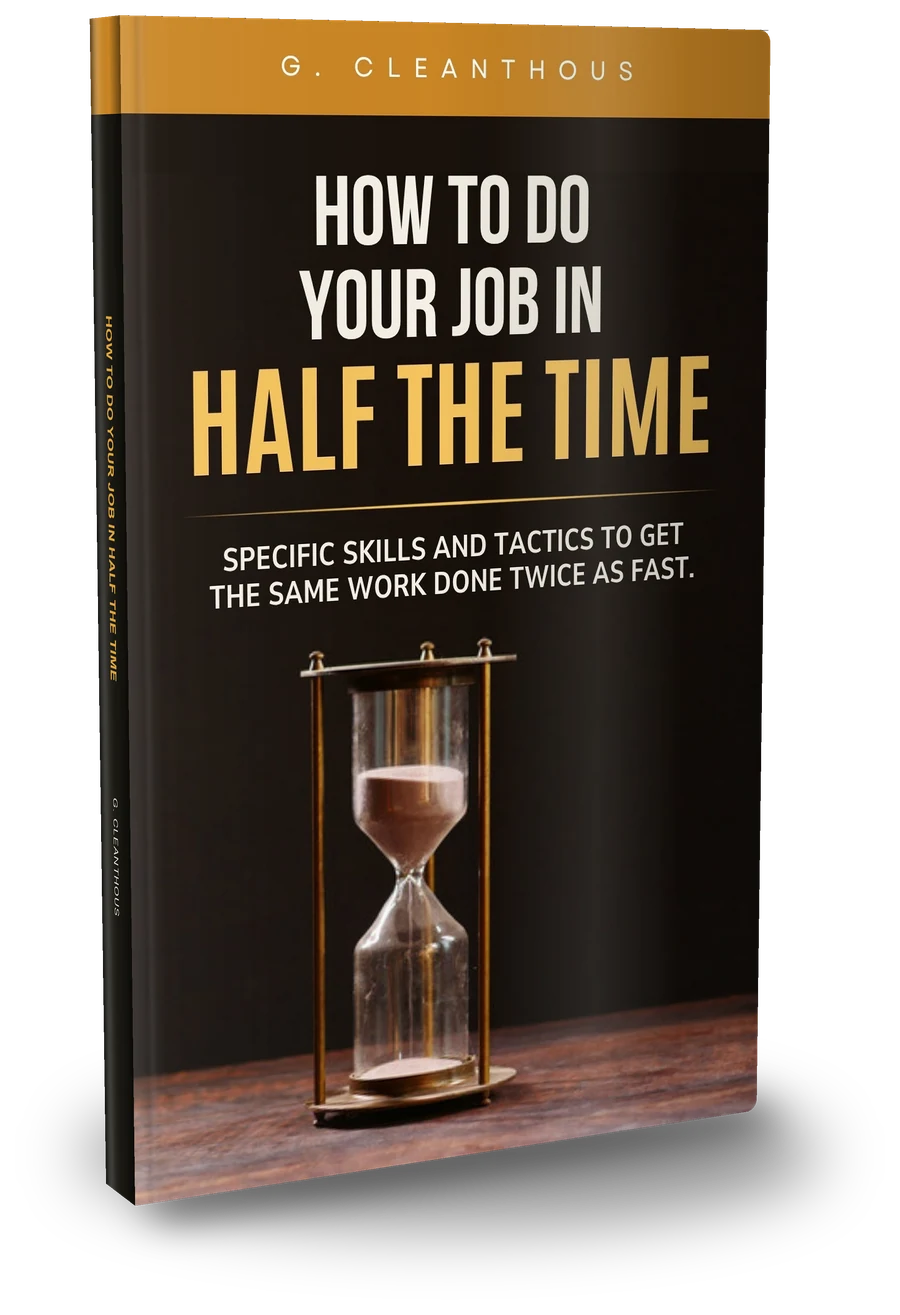
    The book How to Do Your Job in Half the Time by G. Cleanthous: a brass hourglass on a black cover
    Book and course

    The book tells you what to do. The course shows you, then has you do it.

    The course is built from the book How to Do Your Job in Half the Time. Same ideas, rebuilt for doing.

    The book

    The ideas and the reasons, to read at your own pace.

    The course

    • Each move shown on screen in under 5 minutes
    • A 60-second task after each lesson
    • A workbook with every task and a 30-day plan
    • Lesson Q&A and community
    • Captions, and it remembers where you left off

    If you've read the book, the course is how you turn it into habits.

    For you if your day disappears into email, meetings and other people's requests

    It's for you if

    • you end most days busy but not finished
    • email, messages and meetings eat the time you meant for real work
    • you work long hours to keep up and want that time back
    • you want to use AI well without chasing every new tool
    • you'd rather learn a skill in 4 minutes than sit through a 2-hour lecture

    It may not be for you if

    • you want a trick that saves hours with no effort. Some lessons will save you hours; most save minutes that add up.
    • you want a note-taking system or a life plan. This is about getting your job done.
    • you want to change everything by Monday. The course works one tool at a time.
    The author

    Built by someone who has always hunted for the faster way

    This course comes out of two decades in fast-paced, high-pressure roles, where the work never stops arriving and the deadlines are real.

    The instinct came much earlier: the shortcut in a game, the faster route, the keyboard shortcut nobody else knew. As the author puts it:

    "I've always loved showing someone a faster way to do something and having them say, 'I didn't know you could do that.'"

    The author, G. Cleanthous, refined the process under real deadlines and wrote it up as the book How to Do Your Job in Half the Time. This course turns the book into short lessons, with something to do after each one.

    Curriculum

    15 modules, 110 lessons, 6 h 47 min, and not one lesson over 5 minutes

    The full curriculum, with every lesson's length. Module 1 is free with your email.

    00Introduction1 lesson · 5 min
    1. Welcome. Do Your Job in Half the Time4:55
    01Understanding the Value of EfficiencyFree with your email7 lessons · 27 min
    1. The Real Value of Your Time4:03
    2. Small Savings, Massive Payoff3:43
    3. Efficiency Isn't Just for Work3:28
    4. Decide Faster, Fail Faster3:53
    5. Do the Work That Actually Matters3:56
    6. Make Efficiency a Habit3:53
    7. Module Recap, and Your Action Steps4:15
    02The Right Way to Approach Prioritizing9 lessons · 35 min
    1. Busy Isn't the Same as Productive3:16
    2. The eighty-twenty Rule4:15
    3. Why We Dodge the Big Tasks3:57
    4. Build Your Priority System4:06
    5. The 5 Second Rule4:04
    6. Use Leverage to Multiply Your Output3:20
    7. What to Cut, and What to Ask3:57
    8. Your Daily Priority Ritual3:46
    9. Module Recap, and Your Action Steps3:53
    03Some Quick Ways to Manage Your Time Better7 lessons · 26 min
    1. Work in Sprints3:57
    2. Set Up Your Focus Blocks3:34
    3. The Four-Hour Deep Work Day3:59
    4. Breaks Aren't Wasted Time3:29
    5. Schedule Your Distractions3:22
    6. Tools and Environment3:57
    7. Module Recap, and Your Action Steps3:53
    04Are Meetings Your Biggest Time Waster?8 lessons · 30 min
    1. The True Cost of Meetings3:17
    2. Does This Meeting Even Need to Exist?3:46
    3. Batch Meetings and Defend Your Focus4:02
    4. Shorten and Space Your Meetings3:58
    5. Respond to Invites, and Say No3:51
    6. Run a Tight Meeting4:09
    7. Let AI Take the Notes3:54
    8. Module Recap, and Your Action Steps3:33
    05How Many Hours Do You Waste on Emails?8 lessons · 31 min
    1. The Real Cost of Email3:14
    2. Inbox Zero4:00
    3. Archive Everything4:00
    4. Keyboard Shortcuts3:48
    5. Filters, Templates and Automation4:25
    6. Turn Off Notifications3:39
    7. Write Emails That Kill the Back-and-Forth3:44
    8. Module Recap, and Your Action Steps4:04
    06The Art of Delegation10 lessons · 38 min
    1. Delegation Isn't Just for Managers3:18
    2. What to Delegate3:42
    3. The Seventy Percent Rule3:37
    4. The Real Cost of Doing It All Yourself3:37
    5. Train With Recordings and Docs4:22
    6. Watch, Try, Teach3:53
    7. Hand It Off Properly3:45
    8. Make Delegation Your Default3:40
    9. Delegating to AI3:49
    10. Module Recap, and Your Action Steps4:02
    07It's Okay to Say 'No'8 lessons · 30 min
    1. Why No Is a Superpower3:33
    2. Why Saying No Feels So Hard3:48
    3. When to Say No3:51
    4. The Graceful No Formula3:33
    5. Scripts for Every Situation4:06
    6. Softer Nos, Alternatives, and One-Three-One3:48
    7. Follow Up, and Build the Culture3:31
    8. Module Recap, and Your Action Steps3:29
    08Computer Literacy → Computer Mastery9 lessons · 34 min
    1. Literacy Isn't Mastery3:12
    2. Touch Typing3:26
    3. Keyboard Shortcuts That Save Hours4:23
    4. Text Expansion3:51
    5. Window Management3:34
    6. Browser Mastery3:39
    7. Find Files Fast4:12
    8. Keep It Fast, Keep Learning3:56
    9. Module Recap, and Your Thirty-Day Challenge3:56
    09Automate Everything You Can7 lessons · 25 min
    1. The Automation Mindset3:01
    2. What to Automate3:36
    3. No-Code: Connect Your Apps3:51
    4. Automate Data: Spreadsheets and Scripts3:54
    5. Automate Email, Docs and Files3:41
    6. Automation ROI3:23
    7. Module Recap, and Your Action Steps3:44
    10Leveraging AI for Productivity10 lessons · 36 min
    1. AI Is a Capability Multiplier3:18
    2. The Connected Assistant3:30
    3. Write Faster With AI3:37
    4. Analyze Data With AI3:19
    5. AI for Communication3:25
    6. AI for Creative Work3:45
    7. AI for Research and Learning3:58
    8. Prompt Engineering: The CLEAR Framework3:44
    9. Use AI Responsibly3:52
    10. Module Recap, and Your Action Steps3:46
    11How to Use All That Extra Time7 lessons · 25 min
    1. Don't Just Absorb More Work3:13
    2. Invest Your Time3:46
    3. Or, Actually Live3:26
    4. The Compound Effect3:37
    5. Design Your Ideal Week3:31
    6. Protect Your Reclaimed Time3:33
    7. Module Recap, and Your Action Steps3:47
    12Managing Perceptions7 lessons · 25 min
    1. The Visibility Paradox3:02
    2. Make Your Value Obvious3:39
    3. Manage Up3:40
    4. Win Over Your Peers3:21
    5. Handle Jealousy and Pushback4:21
    6. Become a Multiplier3:33
    7. Module Recap, and Your Action Steps3:15
    13Life Hacks and Habits for Enhanced Productivity6 lessons · 21 min
    1. Win the Morning3:49
    2. Goals and the Weekly Review3:20
    3. Protect Your Mind3:24
    4. Your Body Is Your Engine3:10
    5. Small Habits, Big Results3:50
    6. Module Recap, and Your Action Steps3:17
    14That's Great, But What Should I Do Now?6 lessons · 19 min
    1. Start Now: Your First Step3:00
    2. The Vision: Your New Workday3:19
    3. Your Thirty-Day Plan3:31
    4. Avoid the Pitfalls3:30
    5. Community and Ripple Effects2:49
    6. Finale: Make It Count3:18

    Also included: the course workbook (PDF) with every lesson's 60-second task and a 30-day plan; Lesson Q&A and community, where you can ask about any lesson and see what others tried; English captions on every lesson; and it remembers where you left off on any device.

    The refund

    Watch it for 30 days. If it's not for you, get your money back.

    Watch as much as you like for 30 days. If it isn't for you, ask for a refund and you'll get your money back. No questions asked, no form to justify it. Your consumer rights apply on top of this. Read the terms.

    Start with one faster way today

    Not a lecture series. Not a subscription. Not a system to maintain. Specific job skills in short lessons, with a task after each one. One payment and it's yours: no monthly fee, no cohort schedule, no upsell to get the rest.

    After you pay, we email your sign-in link straight away.

    Limited-time launch offer
    Regular price US$197 Launch price US$97
    • 110 animated lessons (6 h 47 min), captions on every lesson
    • The course workbook (PDF) with every 60-second task and a 30-day plan
    • Lesson Q&A and community
    • Lifetime access on phone, tablet or computer, and it remembers where you left off

    30-day refund, no questions asked. Secure checkout by Stripe. Your receipt comes from Link, Stripe's checkout partner. Look for an email from Link.

    Not ready for the course? Get the book

    Questions

    Straight answers before you buy

    I don't have time to take a course.

    That's who it's for. Every lesson is under 5 minutes, most 3 to 4, so one fits in a coffee break. The 60-second task is the only homework.

    Is this just the book again?

    It's built on the book, then rebuilt for doing: each move shown on screen, a 60-second task after each lesson, a workbook and a 30-day plan, and Lesson Q&A. If you've read the book, the course is how you turn it into habits.

    US$97 is a lot next to a book.

    It's one payment for 110 lessons, the workbook and the Q&A, with no subscription. If one technique saves you 10 minutes a day, that's about 40 hours a year (an illustration, not a promise). And if it isn't for you, the 30-day refund means you don't lose anything.

    I've read productivity books. Will I learn anything?

    Open the curriculum and look at the lesson titles, or get Module 1 free with your email. Most of it is specific moves, not big ideas. And if you know a technique but don't use it, the 60-second task is the point.

    I won't finish it.

    You don't need to. It's a toolkit: pick the module you need most, use one technique a day, and come back when you're ready. The site remembers where you left off.

    My job needs me to be responsive.

    Maybe. But when did anyone ask you to reply within 30 seconds? Module 5 shows how to check email at set times and tell people how to reach you when it's urgent, without dropping the ball.

    I don't manage anyone. Can I still delegate?

    Yes. Module 6 covers delegating sideways, upward, outside the company and to AI.

    I'm too junior to say no.

    Module 7 gives you words for saying no to a boss, a peer, a senior person and a client, plus softer options like "yes, but differently".

    Won't AI just do all this for me?

    Some of it, and the course shows you how to hand those parts over: sorting your inbox, drafting, meeting notes, summaries. But AI doesn't decide what matters today, which meetings shouldn't exist or what to say no to. It needs a clear brief, and someone to check its work. The course builds that judgment first, then shows AI doing parts of the work on top of it, so you get more out of both.

    Will the AI lessons be out of date in six months?

    The tools will change. The course teaches how to approach AI (what to hand it, how to brief it, how to check its work), with examples that carry over to whichever assistant you use.

    What does Get Module 1 free include?

    All 7 lessons of Module 1 (27 min), free with your email. You get a sign-in link, no password. We'll also send a short series about the full course and future courses. Module 1 is free for as long as you're subscribed; unsubscribe any time (that ends free access).

    How long do I have access?

    For the life of the course. If it's ever withdrawn, you'll get at least 90 days' notice and a way to download the workbook and your notes.

    Can I watch on my phone?

    Yes. It works in any modern browser on phone, tablet or computer, with English captions on every lesson.

    How do I get in after I pay?

    We email a sign-in link to your checkout email straight away. No password. Your receipt comes separately from Link, Stripe's checkout partner.

    Can my employer pay for it?

    Yes. The receipt from Link works for reimbursement.

    What if it's not for me?

    Ask for a refund within 30 days and you'll get your money back. No questions asked.

    Get Module 1 free